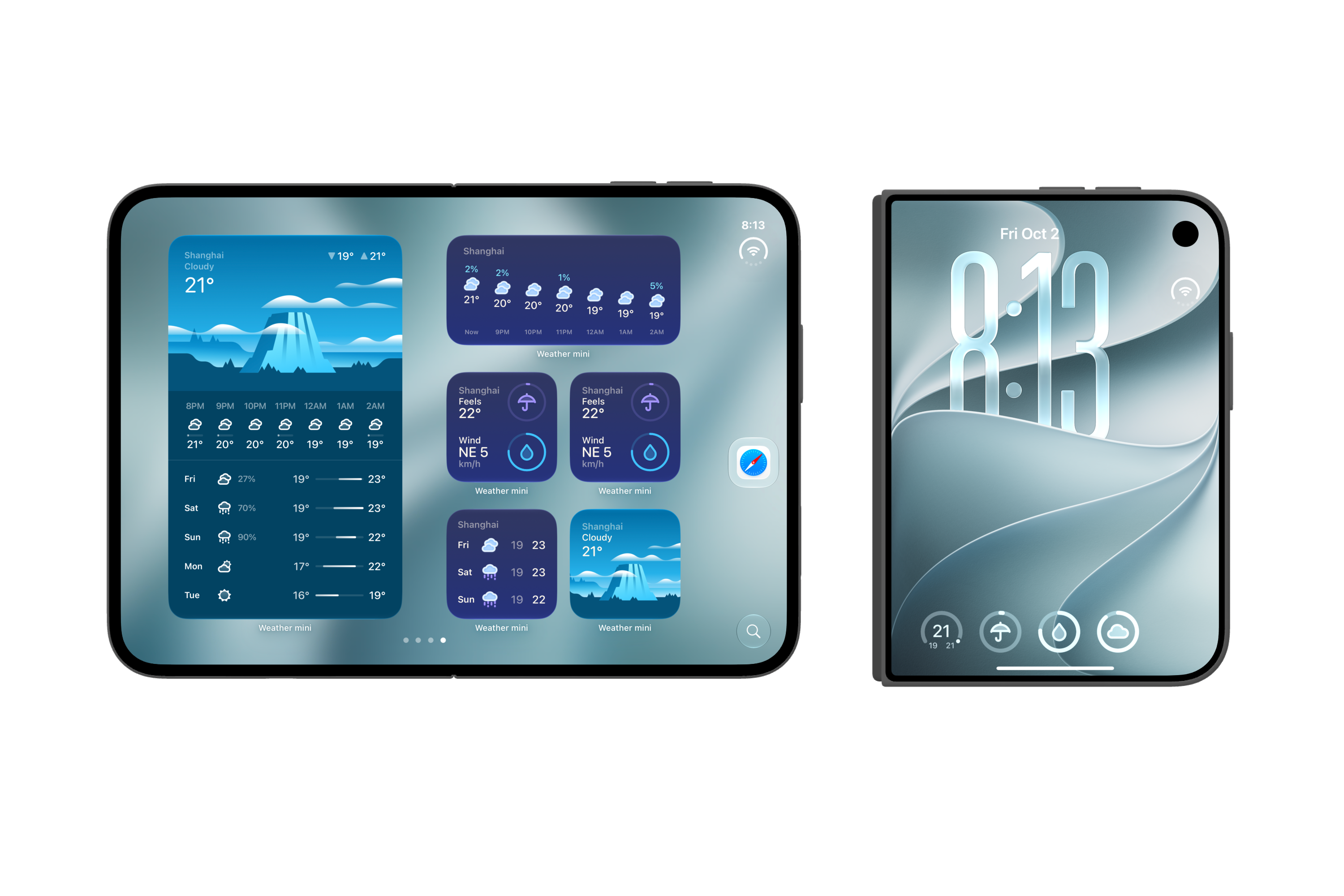
We’ve redesigned Weather mini for iPhone Duo. The compact view gives you a quick look at the weather. Open it up, and the illustrations and forecast details have room to sit side by side.
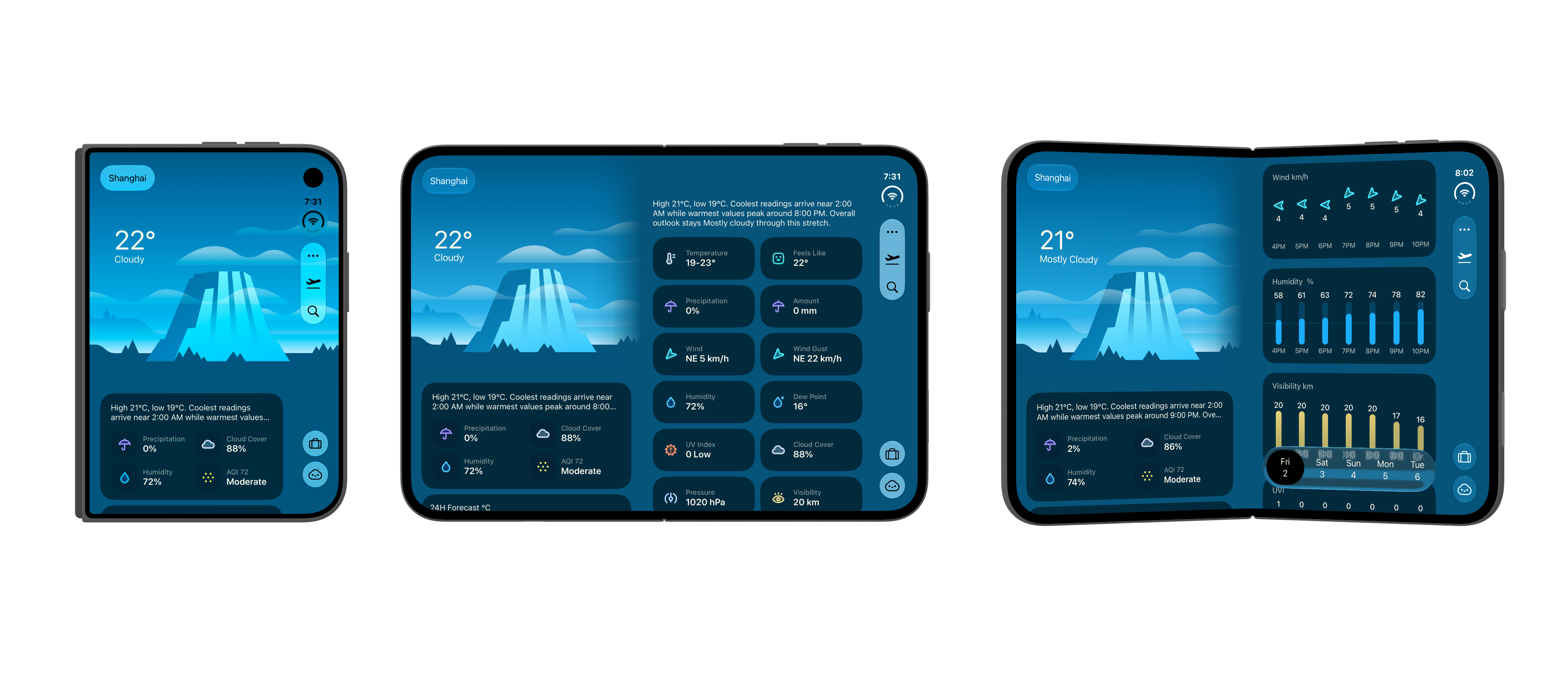
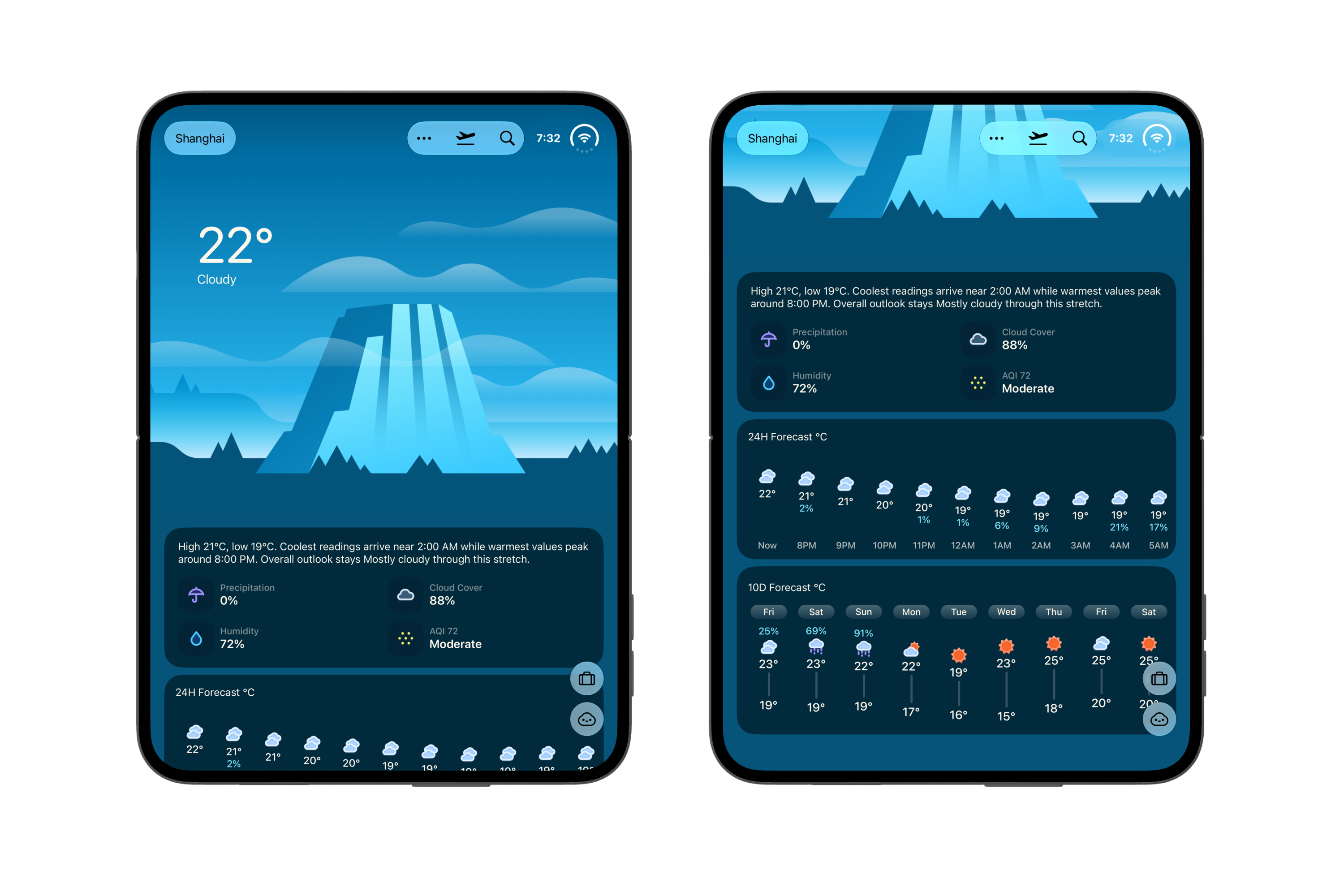
Illustrated weather
The illustrations are a big part of Weather mini. They change with the weather and the time of day, and we’ve kept their gentle animation in the new design.
You can take a quick look at the scene and temperature, then scroll through the hourly forecast and daily outlook when you want more detail.
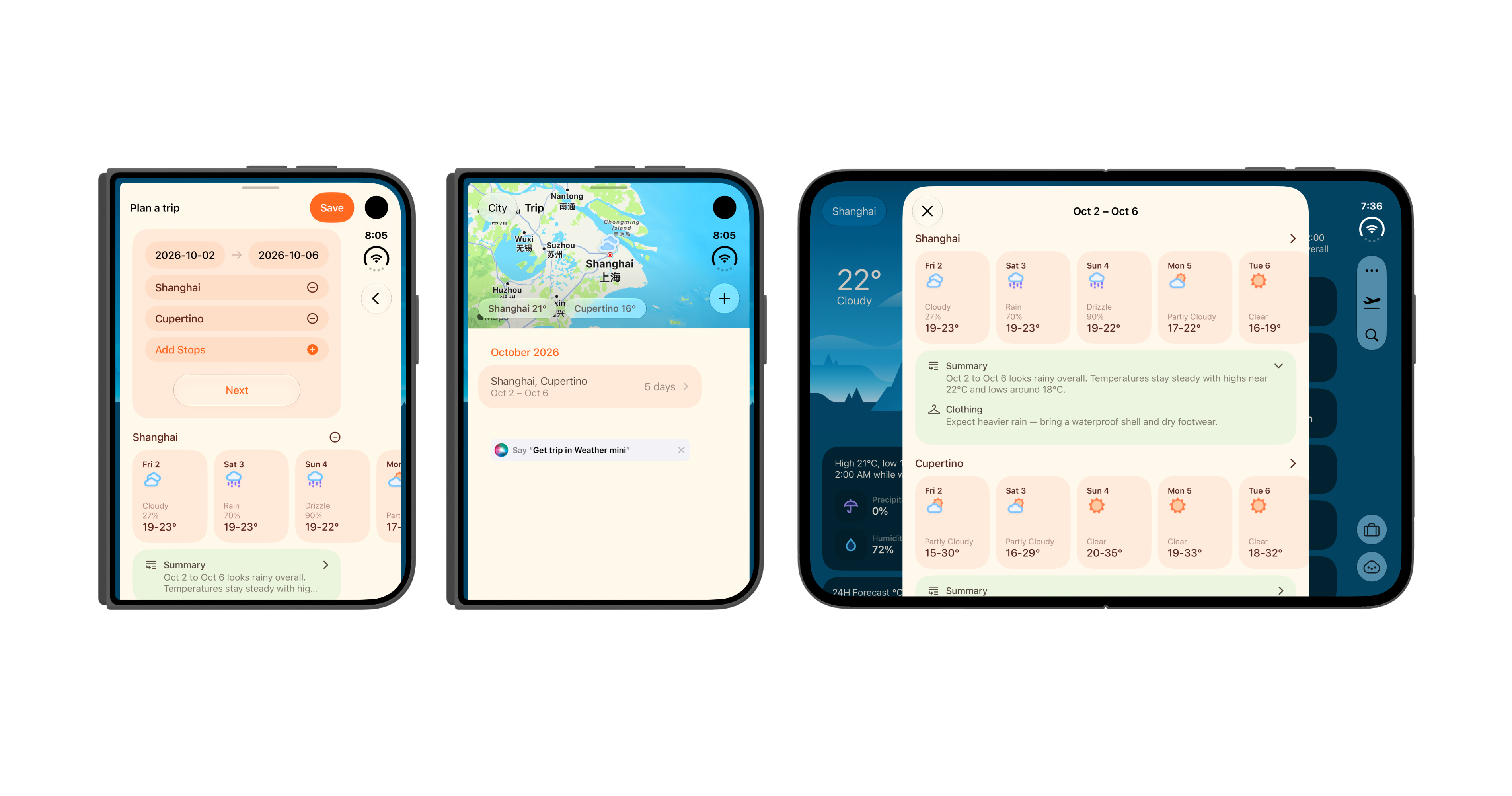
Trip Forecasts with Apple Intelligence
Checking the weather for a trip can mean switching between several cities. Trip Forecasts puts your destinations and dates in one place, so you can see the weather along the way.
On supported devices, Apple Intelligence can help you get started. Describe where you’re going and when, and Weather mini helps put the trip plan together.
Ask Weather
“Will I need an umbrella this afternoon?”
Ask Weather is for questions like this. Ask in your own words, and it can look up the forecast and refer to the city you’re viewing, your saved cities, or upcoming trips.
Weather on your Home and Lock Screens
On the Home Screen, there’s room for an illustrated forecast, an hourly outlook, or a few details you want to keep nearby. Lock Screen widgets are there for a quick check without opening the app.